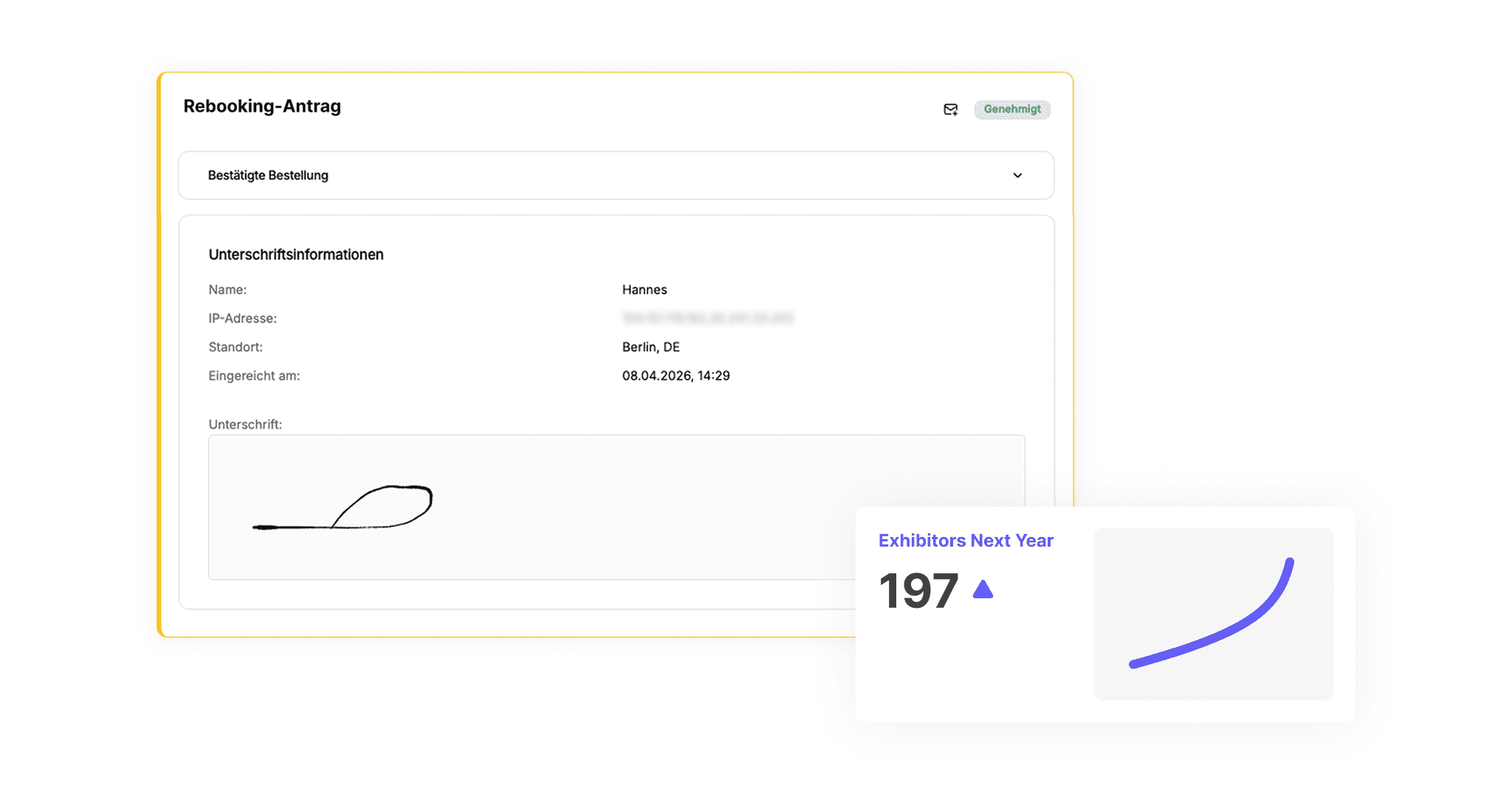
Stand plan-based booking – practical or too complicated?
Productivity
Interactive floor plans offer exhibitors maximum visibility and self-service—but require more setup. We outline the pros and cons and help you decide when each booking approach is worthwhile.
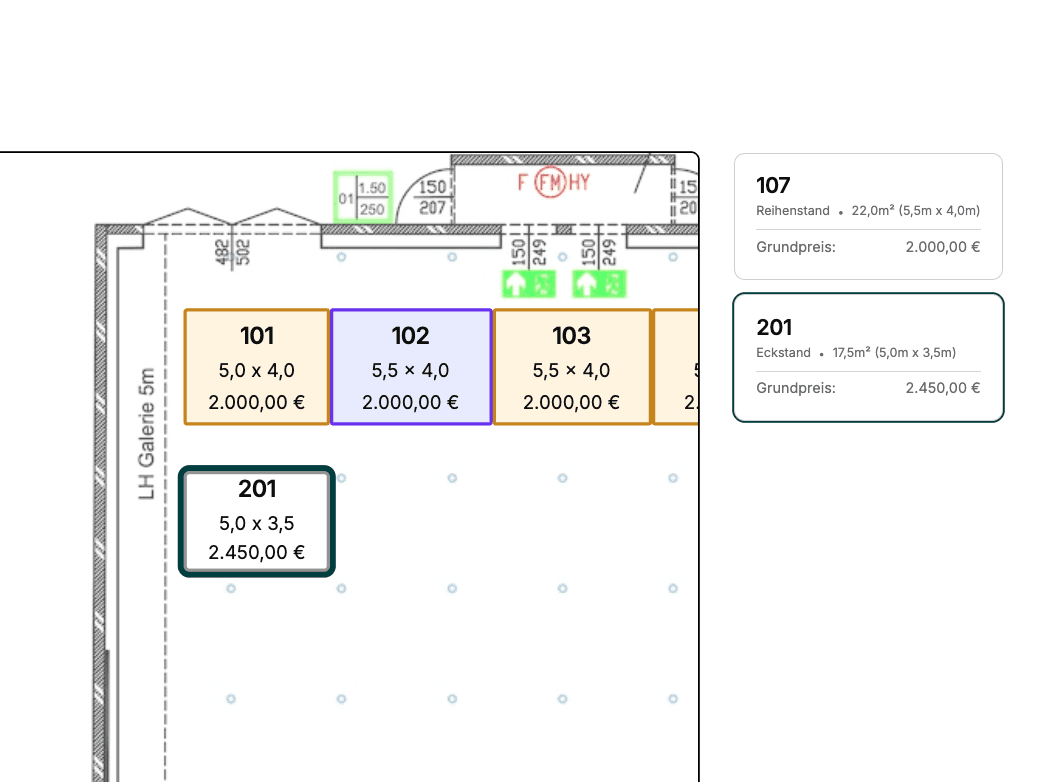
When planning a digital trade fair, the question quickly arises: Should exhibitors book their booth spaces directly via an interactive floor plan—or is a conventional booking form with size and type selection enough?
Both approaches are valid. Here is an overview of the advantages and limitations of floor-plan-based booking—and when each option is worthwhile.
✅ Advantages | ⚠️ Disadvantages |
|---|---|
Intuitive orientation: Exhibitors can see at a glance which spaces are available. | Higher initial effort: Floor plans must be prepared and entered digitally. |
Fewer follow-up questions: Selection is done independently—saving time for the organizing team. | Less flexibility for special solutions: Predefined spaces make individual adjustments more difficult. |
Planning reliability: Preferred placements create commitment on both sides. | Lack of clarity in complex halls: Slanted walls, columns, or special zones can reduce clarity. |
📌 Which booking type is right for my event?
Floor-plan-based booking is ideal for events with:
standardized booth formats
clearly structured hall layouts
a high degree of self-service on the exhibitor side
Non-floor-plan-based booking is advantageous when:
widely varying booth sizes and shapes are required
individual agreements occur frequently
the floor plan is difficult to standardize or automate
➡️ Fairoo offers both—flexibly and individually
Whether with an interactive floor plan or free booking logic without fixed spaces—Fairoo supports both approaches. Below, we show how floor-plan-based booking works with Fairoo—from setup to final confirmation.
How floor-plan-based booking works with Fairoo
1. Setup by the organizer
Create floor plans
For each event, one or more hall plans are uploaded. If needed, these can be separated by theme (e.g., Hall A – Education, Hall B – Crafts).
Define spaces
Bookable booth spaces are drawn on the plan and provided with the following details:
Length & width
Booth type (inline, corner, peninsula, etc.)
Bookable booth construction types
Price
Status: available, reserved/blocked, booked
Products & services depending on the booth
Fairoo allows automatic linking of products to specific spaces.
Example: Large booths automatically include more exhibitor passes or specific construction packages.
2. Booking by exhibitors
Select the event and desired hall(s)
Select one or more available booth spaces
(Optional) Select a booth construction type
(Optional) Select additional packages or products
Submit the booking request
3. Processing and approval by the organizer
The booking request is recorded in the system as a lead.
The organizer can:
Adjust spaces and products
Accept, postpone, or reject requests
Set bookings to reserved or booked as needed
4. Automatic confirmation & exhibitor portal
After confirmation, the exhibitor automatically receives an email with all details.
In the exhibitor portal, they can see:
their booked booth space on the floor plan
all booked services
the current booking status